Your real limits, not estimates.
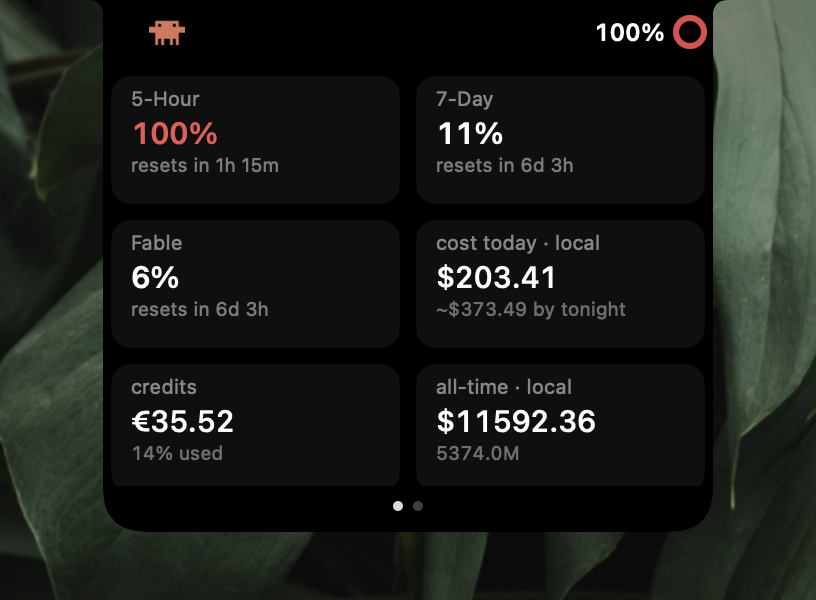
The same 5-hour, 7-day and Fable weekly bars the Claude app shows, each with a reset countdown. Amber from 66%, red from 85%.
Claude, Codex, Antigravity, DeepSeek and opencode-go usage, live beside your Mac's camera. Limits, reset countdowns and spend are one click away, and gone again when you click elsewhere.
Free and open source. macOS 14 or later, Apple Silicon or Intel. Signed and notarized.
This notch works. Click the percentage to open it, Clawd to switch provider, and swipe for page two. The numbers are samples.
The same 5-hour, 7-day and Fable weekly bars the Claude app shows, each with a reset countdown. Amber from 66%, red from 85%.
He walks faster as you near a limit and stops when you're out.

Click the icon to cycle, or let the island rotate every 10 seconds, 30 seconds or minute. Only what's installed shows up.



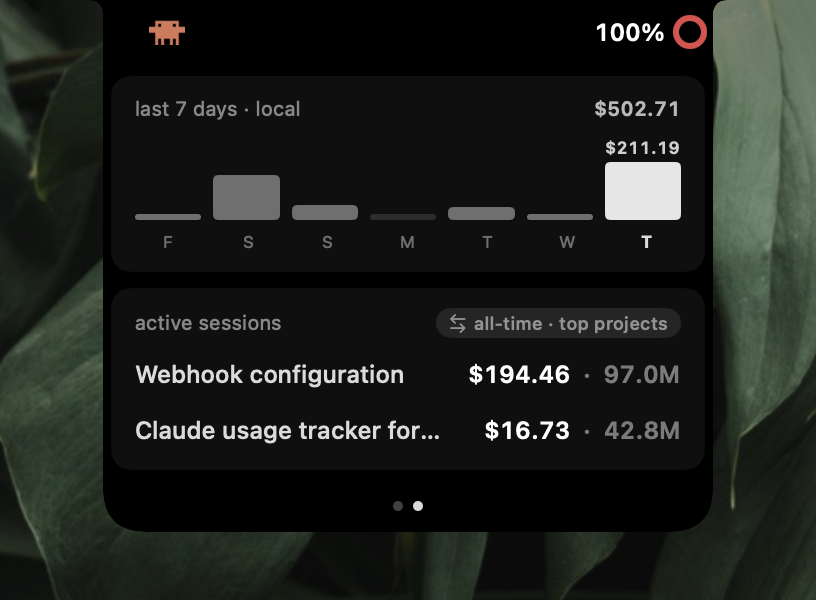
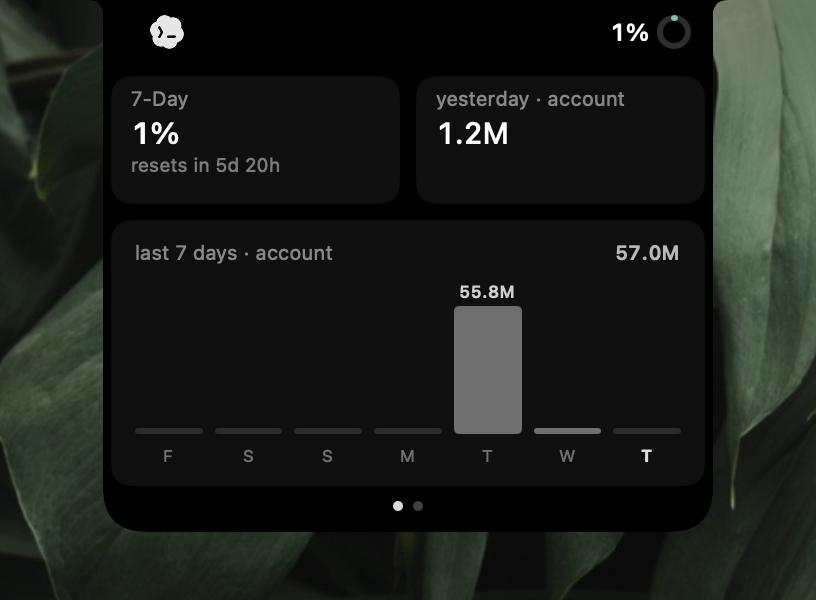
A 7-day chart in the island, today's cost with a projection for tonight, and every session by name.
Optionally tucks into the notch while a film or game owns the display.
No notch? Claude Notch draws its own at the top of the screen.
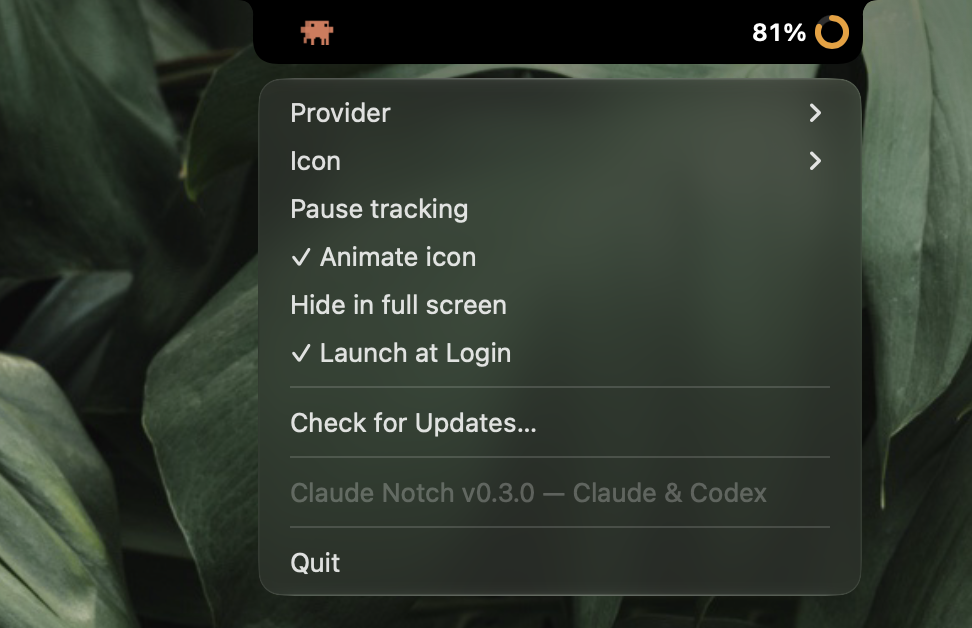
No Dock icon, no menu-bar item. Settings live in a right-click menu, and updates install themselves.
| Provider | What you see | Where it comes from |
|---|---|---|
| Claude |
5-hour, 7-day and Fable weekly limits, credits, today's cost with a projection for tonight, named sessions, all-time projects | Claude Desktop, a browser signed in to claude.ai, or the Claude Code CLI login. Cost and tokens from your local ~/.claude logs. |
| Codex |
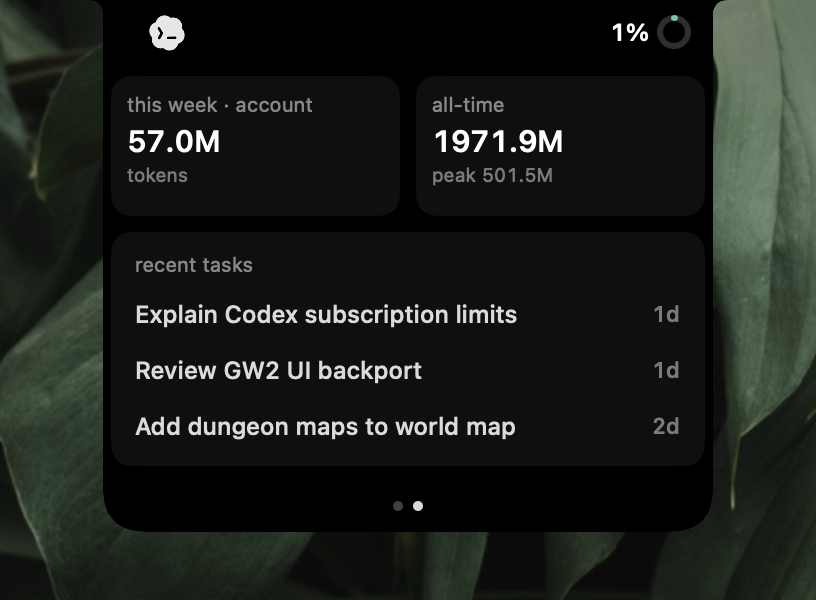
Rate-limit windows, token totals, credits, plan, recent tasks, 7-day token chart | The official local codex app-server. Session logs aren't parsed. |
| Antigravity |
Quota windows, tokens, models, projects, week chart | The agy CLI's read-only /usage command, which spends no quota, plus token counts from its local stores. |
| DeepSeek |
Balance, peak or off-peak pricing right now, spend today and this week | Your DeepSeek API key. Spend is observed from the balance going down, and labelled that way. |
| opencode-go |
5-hour, weekly and monthly meters, renewals, Zen balance, sessions | Your opencode.ai browser session, with local history as the fallback. |
The limit bars use the same endpoint the official apps do, so they count everything: desktop, terminal, cloud and remote sessions.
Cost and token figures come from your local logs and are marked local. Cloud work counts toward your limits, not toward the local dollar figure.
Every data source and security boundary is in the provider architecture.
Claude Notch.zip from the latest release, unzip it and drag the app to Applications.Needs the full Xcode toolchain for the SwiftUI macros, plus a signed-in Claude, Codex, Antigravity, DeepSeek or opencode-go account.
git clone https://github.com/stevemcqueenz/claude-notch-tracker
cd claude-notch-tracker
swift run ClaudeNotch       # run it
bash scripts/make-app.sh    # build the .app and a zip